Comparisons
Best DST Viewer in 2026: EZStitch Digitizing vs EmbroidAI
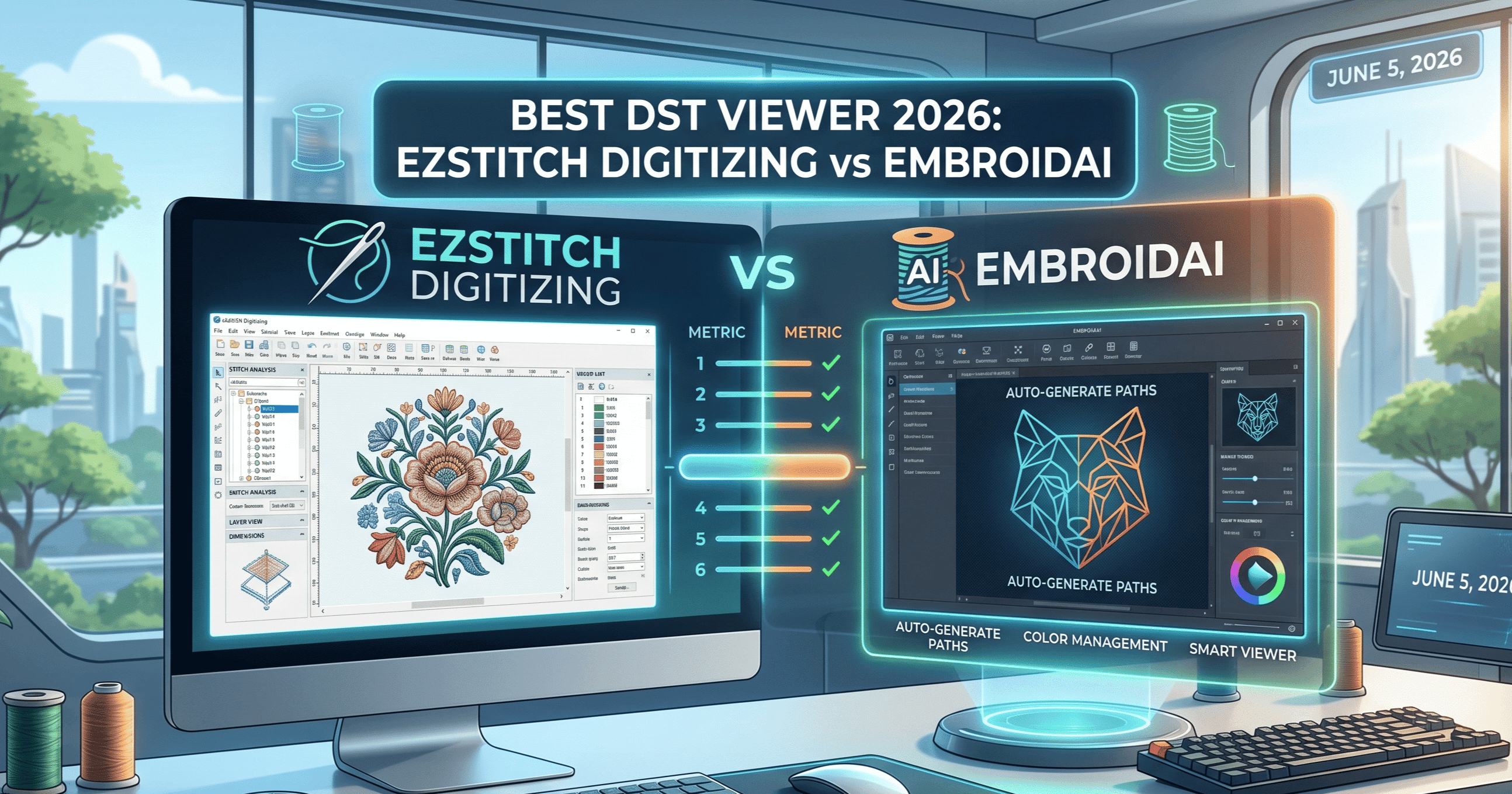
Finding the right DST viewer can make a huge difference in your embroidery workflow. Whether you're a professional digitizer, embroidery business owner, or hobbyist, you need a viewer that makes it easy to inspect stitches, analyze designs, and work efficiently.
In this article, we'll compare EZStitch Digitizing and EmbroidAI to help you decide which DST viewer is best for your needs.
What Is a DST Viewer?
A DST viewer is a tool that allows users to open, inspect, and analyze embroidery DST files without loading them onto an embroidery machine.
A good DST viewer should allow users to:
- View embroidery designs clearly
- Zoom into stitch details
- Inspect jump stitches
- Analyze stitch paths
- Check design dimensions
- Work smoothly on desktop and mobile devices
EZStitch Digitizing Overview
EZStitch Digitizing provides embroidery digitizing services and embroidery-related tools used by many embroidery professionals.
The platform focuses primarily on embroidery digitizing workflows and design production.
While it allows users to work with embroidery designs, the viewing experience can vary depending on the device and workflow being used.
EmbroidAI Overview
EmbroidAI is a modern embroidery technology platform designed specifically for embroidery professionals.
The goal of EmbroidAI is to provide a fast, user-friendly, and accessible way to view embroidery files directly in a web browser.
Users can upload DST files and immediately inspect their designs without installing additional software.
EZStitch Digitizing vs EmbroidAI
1. Modern User Interface
One of the biggest differences is the user interface.
EmbroidAI was built using modern web technologies and focuses on simplicity and usability.
Benefits include:
- Clean layout
- Easy navigation
- Beginner-friendly experience
- Faster learning curve
For users who simply want to upload and inspect a DST file, the streamlined experience can save time.
2. Stitch Point Visualization
Embroidery professionals often need to inspect individual stitches.
EmbroidAI allows users to clearly view:
- Stitch points
- Stitch paths
- Jump stitches
- Design flow
This makes it easier to understand how a design will sew before sending it to an embroidery machine.
3. Better Jump Stitch Visibility
Jump stitches play an important role in embroidery production.
Poorly planned jump stitches can increase production time and affect design quality.
EmbroidAI provides clear visualization of jump paths, making them easier to identify and analyze. This helps users evaluate design quality more effectively.
4. Mobile-Friendly Experience
Many embroidery tools were originally designed for desktop use.
EmbroidAI is built with responsive design principles, allowing users to access their embroidery files on:
- Mobile phones
- Tablets
- Laptops
- Desktop computers
This flexibility is especially useful for embroidery business owners who need to review designs while away from their workstation.
5. Smooth Zooming Experience
Inspecting embroidery designs often requires zooming into very small stitch details.
EmbroidAI provides:
- Fast zoom in
- Fast zoom out
- Smooth panning
- Easy design inspection
Users can quickly move between overall design views and detailed stitch-level inspection.
6. Browser-Based Access
With EmbroidAI, users can open DST files directly in their browser.
Advantages include:
- No software installation
- Cross-platform compatibility
- Quick access
- Simple sharing
This reduces setup time and allows users to start working immediately.
7. Performance and Responsiveness
EmbroidAI focuses on providing a responsive viewing experience.
Users can:
- Upload files quickly
- Navigate designs smoothly
- Inspect stitch details efficiently
A responsive interface helps create a more productive workflow when reviewing embroidery designs.
Feature Comparison
| Feature | EZStitch Digitizing | EmbroidAI |
|---|---|---|
| DST File Viewing | ✓ | ✓ |
| Modern Interface | Limited | ✓ |
| Mobile Friendly | Limited | ✓ |
| Stitch Point Visibility | Basic | ✓ |
| Jump Stitch Analysis | Basic | ✓ |
| Browser-Based Access | Partial | ✓ |
| Responsive Design | Limited | ✓ |
| Fast Zoom Controls | Basic | ✓ |
| No Installation Required | Limited | ✓ |
Try the free EmbroidAI DST viewer
Upload a .dst and inspect stitches, jumps, colors, and dimensions right in your browser.
Why Embroidery Professionals Choose EmbroidAI
Embroidery professionals need tools that help them work faster and make better decisions.
EmbroidAI focuses on:
- Simplicity
- Performance
- Accessibility
- Modern design
- Stitch-level visibility
Instead of overwhelming users with unnecessary complexity, EmbroidAI helps users focus on understanding their embroidery files.
Who Should Use EmbroidAI?
EmbroidAI is ideal for:
- Embroidery digitizers
- Embroidery businesses
- Machine embroidery operators
- Apparel decorators
- Custom embroidery shops
- Hobby embroiderers
Whether you're reviewing a customer logo or checking a production-ready DST file, EmbroidAI provides an efficient viewing experience.
Final Verdict
Both EZStitch Digitizing and EmbroidAI serve the embroidery industry, but they focus on different experiences.
If you're looking for a modern, browser-based DST viewer with responsive design, clear stitch visualization, smooth zoom controls, and mobile-friendly access, EmbroidAI offers a compelling solution.
As embroidery technology continues to evolve, tools that combine usability, performance, and accessibility will become increasingly important — and EmbroidAI is building with that future in mind.
Try EmbroidAI's free DST Viewer today and experience a modern way to inspect embroidery designs online.
Frequently Asked Questions
What is the best DST viewer in 2026?
The best DST viewer depends on your workflow, but for fast, browser-based viewing with a modern interface, clear stitch and jump-stitch visualization, smooth zoom, and mobile-friendly access, EmbroidAI is a strong choice.
Is EmbroidAI's DST viewer free?
Yes. You can open and preview DST files for free in your browser with no account required. Signing in unlocks extra tools like saving designs and exporting other formats.
Can I view DST files on a phone or tablet?
Yes. EmbroidAI is built with responsive design, so you can upload, inspect, measure, and export DST files on mobile phones, tablets, laptops, and desktops.
Do I need to install software to view a DST file?
No. EmbroidAI runs entirely in your web browser. Your file is parsed locally just to render the preview, so there is nothing to download or install.